Comparative snapshot
Pick an OS and you pick trade-offs: speed vs. apps, simplicity vs. customization, privacy vs. deep ecosystem hooks. If you want a quick pairing note — cheap stick + big-screen = fast setup; built-in OS = cleaner remote control and fewer dongles, and yes, you can spot bundled deals that pair displays with workstation-style hardware like all in one computer deals if you prefer a single tidy unit for living-room productivity and media.

What each OS does best
Tizen (Samsung) — polished UI, great native TV apps, strong manufacturer support but proprietary features can lock you in. webOS (LG) — smooth navigation and useful card-style multitasking; excellent for casual viewers. Google TV / Android TV — biggest app library and voice integration; best if you want Android parity and Chromecast casting. Roku TV — minimal learning curve and terrific channel discovery; the simplest route to streaming. Fire TV — tight Amazon integrations and affordable hardware; the go-to for Prime-focused households. Choose by what matters most: discovery, apps, or hands-off simplicity.
Performance, updates, and app coverage
Raw horsepower is important only if you stream 4K HDR at high frame rates or game on the TV. More crucial is update cadence and app availability: some manufacturers patch their OS yearly, others sporadically. Check whether popular apps you rely on are first-class citizens — not hidden in a sideload corner — and whether the platform supports your preferred codecs and sound formats. If latency matters (cloud gaming, AirPlay mirroring), test the set with your devices or look for low input-lag specs.
Expert note and real-world anchor
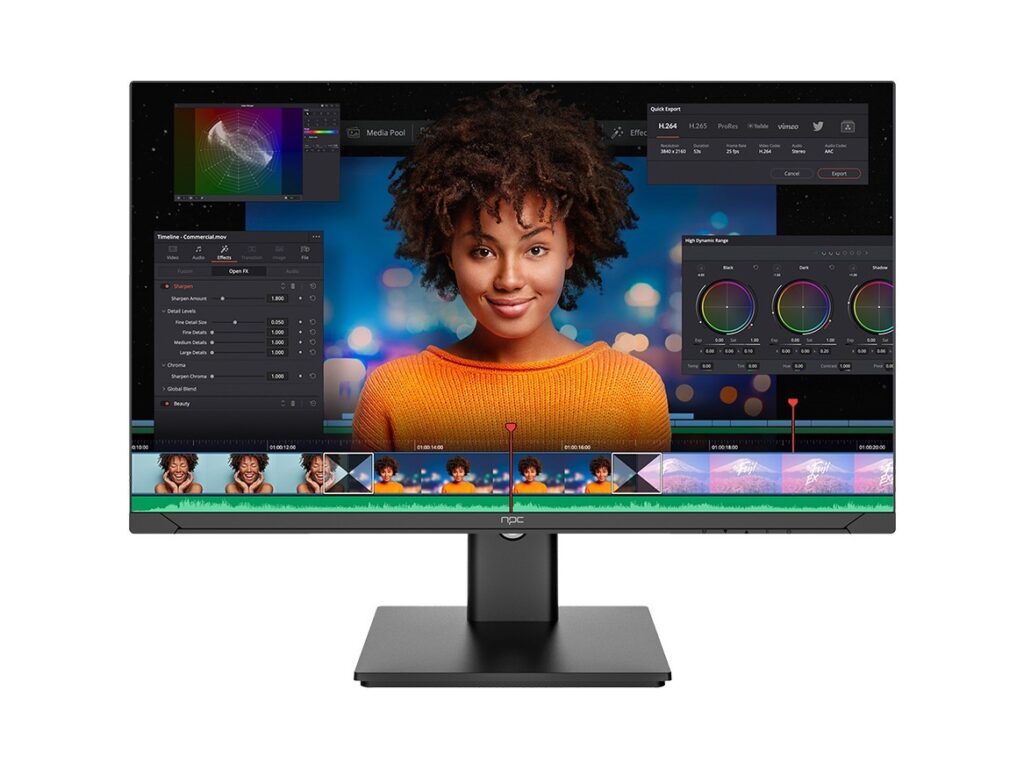
I’ve compared dozens of sets and built setups for rental properties and small studios; hands-on testing shows small UX differences add up. At CES in Las Vegas, manufacturers highlighted converged hardware designs and modular displays, and that trend affects options for people who want an all-in-one approach — here’s a direct look at an all in one desktop pc option that blends display, compute, and media features into one chassis, which simplifies compatibility checks when matching OS to hardware.
Common pitfalls buyers make
Assuming every app behaves the same across platforms; ignoring update policies; buying purely for extras like a gaming mode without testing input latency; overvaluing bundled voice assistants while tolerating poor remote ergonomics. Fix these by testing real apps you use, asking about software support windows, and comparing remotes in-store or via video demos.
Alternatives and practical trade-offs
If you value pure apps and simplicity, Roku or webOS will save time. If you want the widest app choice and native casting, Google TV wins. If Amazon services anchor your household, Fire TV is sensible. Want a single device that handles work and media? A compact PC or all-in-one computer can replace a smart TV’s OS entirely, giving you a desktop-class browser, native apps, and predictable updates — but expect a different remote and input model.
Final thought
Your choice should hinge on what you do most: stream casually, game, or turn the screen into a multipurpose hub. Match that behavior to the OS strengths, test the real apps, and prefer platforms with clear update policies. For those who want hardware and software to behave like a single product, consider integrated options and the compatibility pairings available through npc, which make the decision less about hacks and more about straightforward fit.