
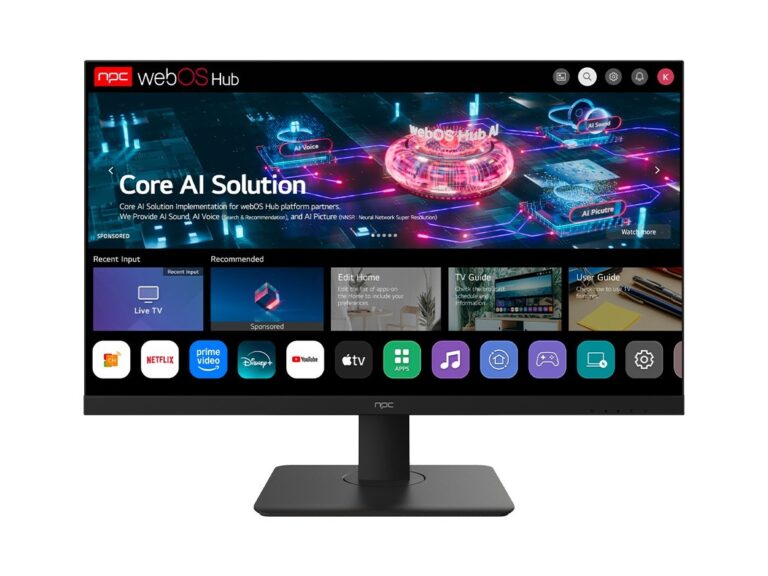
Problem: OS choice trumps specs more often than buyers expect
First-time buyers fixate on panel size and HDR numbers while the operating system quietly decides whether your apps run, how often the TV receives security fixes, and how responsive the interface feels. Compare hardware across a new tv manufacturer and you’ll see identical panels paired with different OS stacks — the difference shows up in daily use, not on the spec sheet.
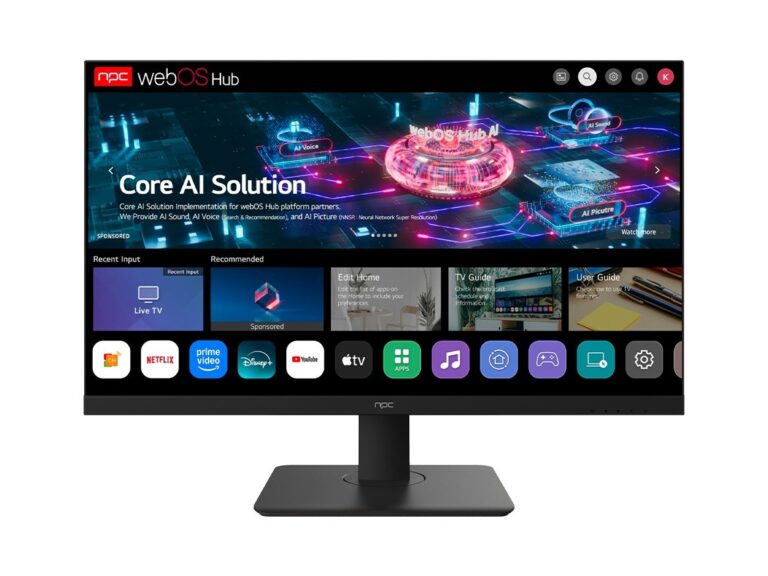
What matters technically: runtime, codecs, and DRM
Pick an OS that supports the codecs and DRM your streaming services need. Look for AV1 and HEVC decoding in the SoC, and confirm the OS offers Widevine or PlayReady levels required by key apps. The OS runtime model matters too: a lightweight native runtime with vendor-optimized drivers will feel snappier than a full browser-based shell. Ask whether the manufacturer exposes codec capabilities in the product documentation and whether the platform uses hardware acceleration for decoding.
App ecosystem and long-term updates
Check which app store the OS uses and whether major apps you rely on are native, not just cast-only. Native apps integrate better with system-level codecs and DRM. Equally important: an update policy. Vendors and platform maintainers vary in cadence; some push monthly security patches, others only patch selectively. Buy a TV whose update cadence is documented or demonstrated in release logs rather than promised in marketing speak.
Performance and input latency
For gaming or fast UI interaction, input latency and frame pacing are decisive. The OS should offer a distinct low-latency mode that bypasses post-processing and maintains fixed frame timing. Look for measured latency numbers in reviews or spec pages, and validate whether the OS supports variable refresh rates and HDMI 2.1 features if you plan to connect modern consoles.
Privacy, permissions, and voice assistants
Review the OS privacy controls: can you disable remote diagnostics, voice data collection, and targeted advertising independently? Some platforms tightly couple voice assistants with telemetry; others separate them. Prefer systems that expose explicit permission toggles and clear data-retention statements. Concrete control beats vague promises.
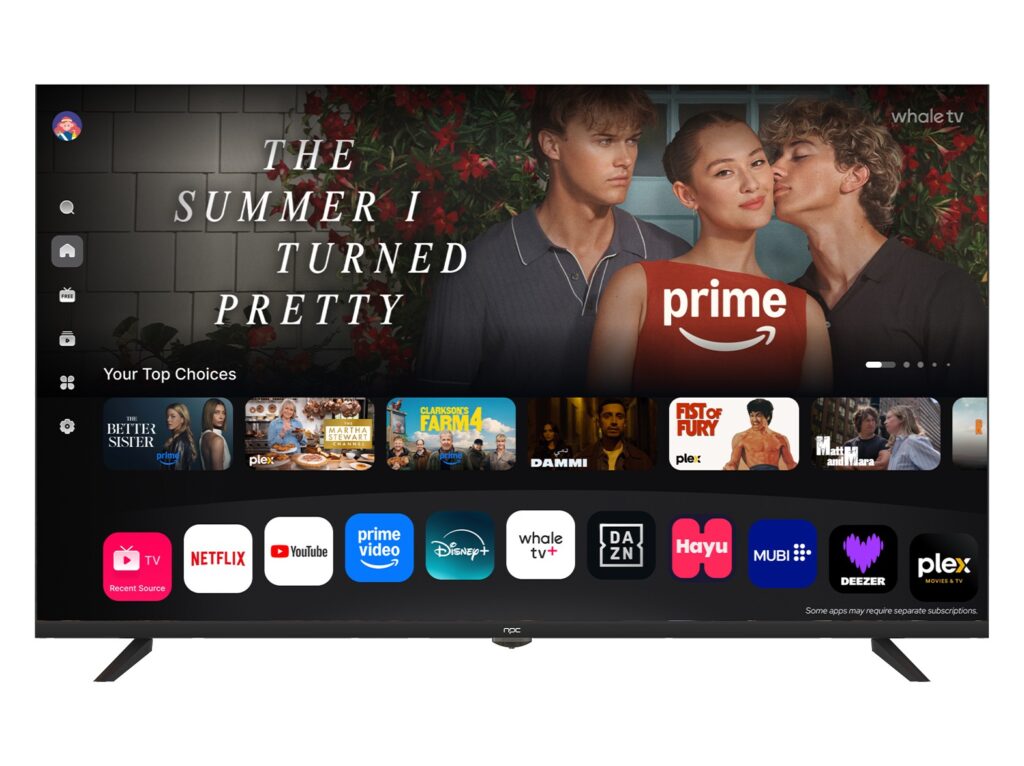
Common pitfalls first-time buyers make
Buyers often assume brand reputation guarantees software quality. They buy the brightest panel without checking update history, third-party app availability, or whether the OS vendor enforces strict app-store policies. Another mistake: assuming a universal remote app will work seamlessly across firmware revisions. Test the platform’s app store and update notes where possible, and don’t accept a trial of only passive use cases as representative.
Viable alternatives and trade-offs
If you want the largest app library and fastest updates, platforms tied to major ecosystems typically win, but they may collect more data and lock you into specific stores. Lightweight, open platforms can be privacy-friendly and snappy, but expect some niche apps to be missing. A well-supported middle ground offers regular security patches, broad codec support, and a stable native app store.
Experience, evidence, and verification
My work validating firmware and app behavior for broadcast deployments has shown consistent patterns: public demos at CES in Las Vegas highlighted where vendors invest — UI fluidity, codec support, and update tooling. Those demonstrations align with how good tv manufacturers document feature sets and release notes, which is the sort of evidence you should look for before buying.
Decision checklist for first-time buyers
Ask these concrete questions before you buy: Does the OS list AV1/HEVC hardware decode? What DRM levels are supported? Is there a documented update cadence and release log? Are the apps you need available natively? Can you turn off voice collection and telemetry? If answers are missing or evasive, treat the product as incomplete until clarified.
Summary and practical next step
Treat the operating system as the product’s functional backbone: prioritize codec and DRM support, documented update practices, and clear privacy controls. When specs and panels match, prefer vendors that provide transparent release notes and verifiable app support; industry resources and vendor pages like npc make those comparisons easier and cut through the marketing noise.