
Introduction and scope
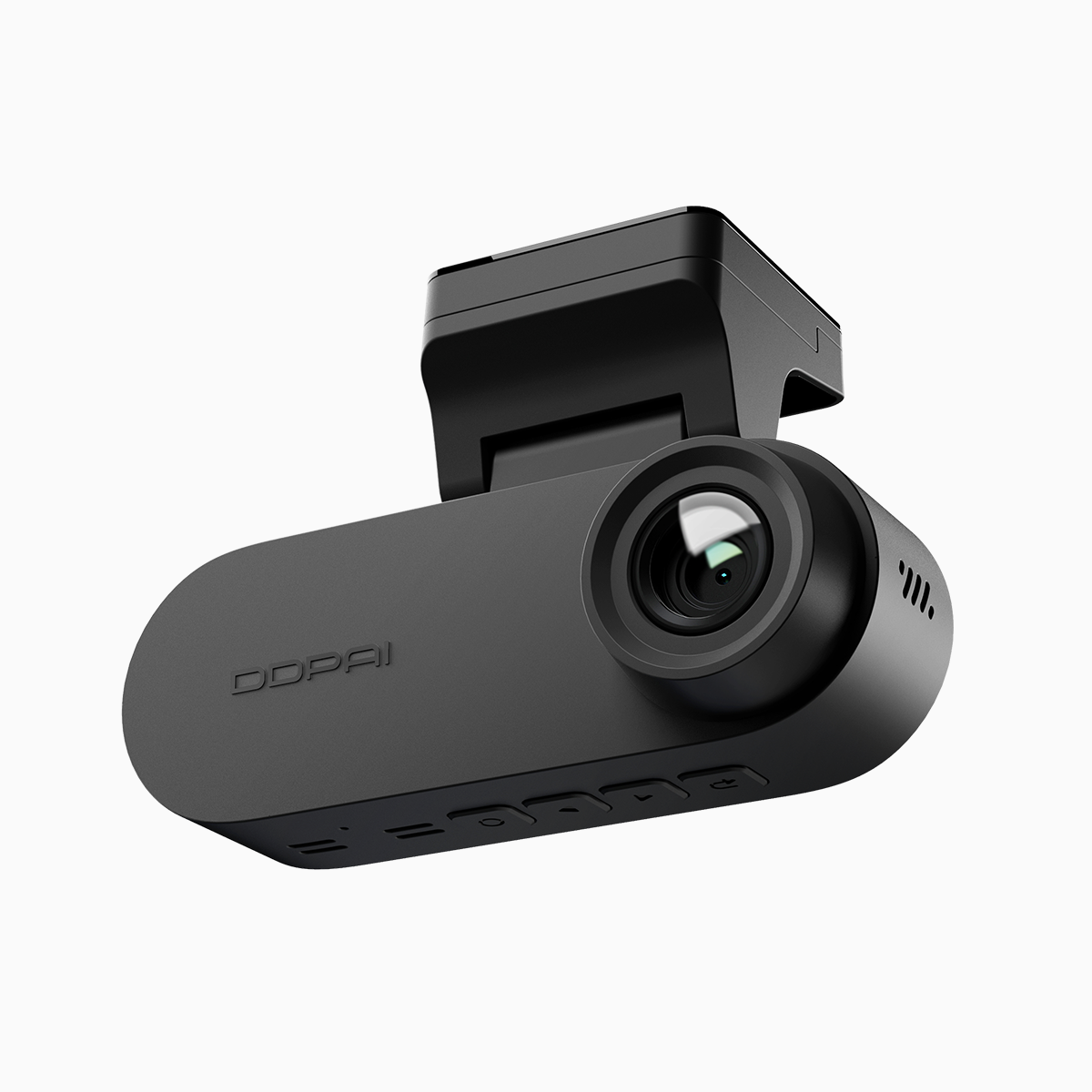
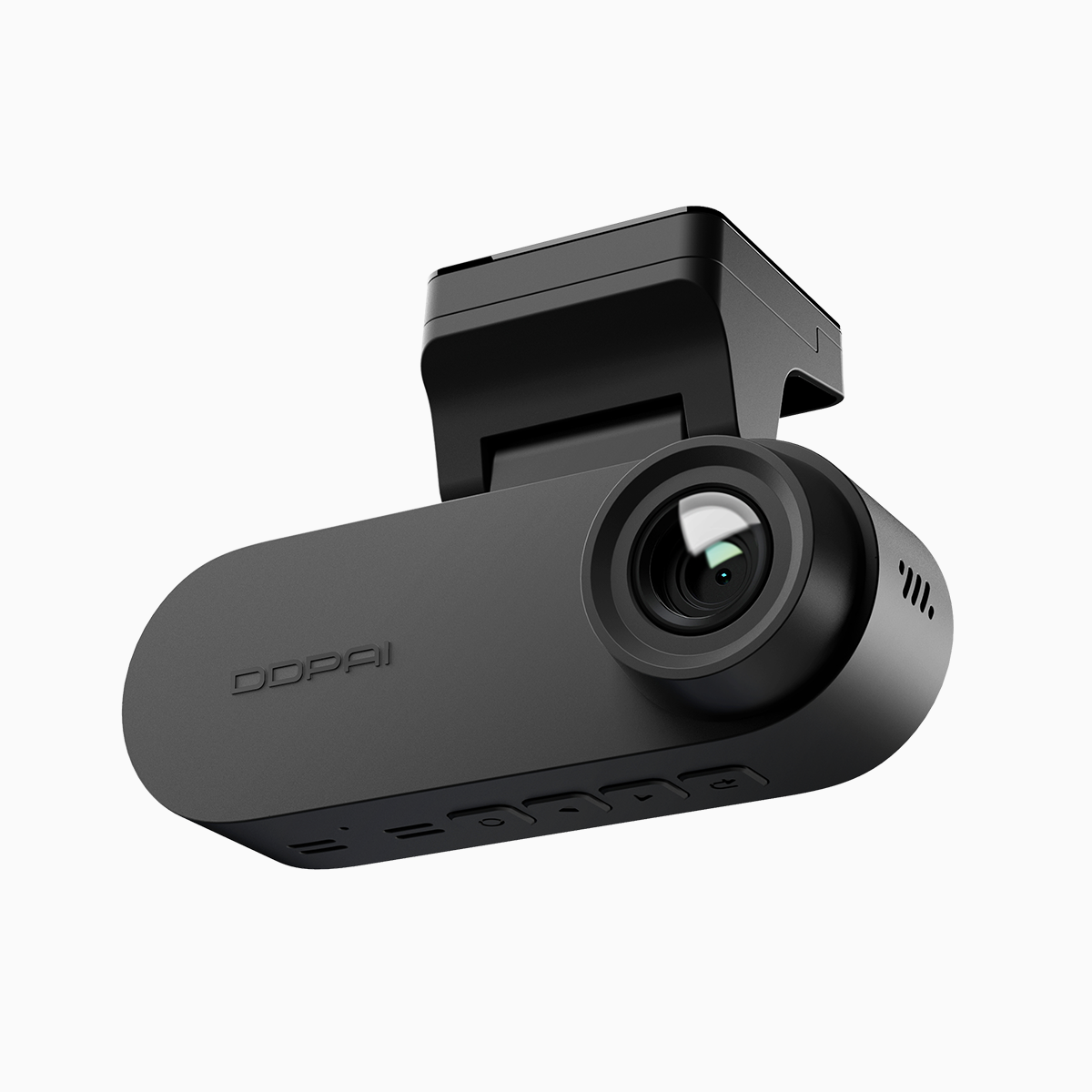
The objective comparison below examines how DDPAI’s cloud-enabled dash cam handles high-resolution recording alongside responsive mobile access. Tests focused on image fidelity at 4K UHD, upload and app responsiveness over 5GHz Wi‑Fi, and real-world usability for a front and rear dash cam setup. The device was evaluated as a dual camera dash cam solution intended for city driving patterns similar to Metro Manila’s dense traffic and frequent stops—a useful anchor given global road safety concerns reported by the WHO at roughly 1.3 million annual road deaths worldwide, which informs why reliable footage matters.
Test setup and measurement approach
Recording tests used 4K resolution with H.265 encoding at two primary bitrates and 30 fps to balance storage and detail. Network tests ran on a standard consumer 5GHz Wi‑Fi router with identical channel conditions for each device. Metrics collected: effective bitrate, frame rate consistency, latency between event capture and cloud availability, and app throughput during live view and file download. Industry terms used in measurements include HDR/WDR processing and codec efficiency.
Image quality versus app performance — observed tradeoffs
4K footage delivered clear license-plate-level detail at short-to-medium ranges and better dynamic range in backlit scenes thanks to HDR processing. However, higher bitrates increased upload times to cloud storage and raised momentary buffering when viewing via the app. On 5GHz connections, live view latency averaged under two seconds with moderate throughput; downloads of 1–2 minute clips completed in 10–25 seconds depending on bitrate. The practical takeaway: recording parameters directly influence the app experience—choose codec and bitrate settings with intent.
Comparative analysis with alternatives
Compared with similarly priced models from other manufacturers, the DDPAI unit prioritized cloud integration and app responsiveness on 5GHz while maintaining strong optical clarity. Notable differences observed:
– Some competitors use higher sustained bitrates by default, producing marginally better detail but slower uploads and greater storage use.
– Others emphasize in-car processing and local storage rather than cloud-first access, which reduces latency for playback but removes remote incident alerting.
– A few models limit 5GHz throughput or have weaker Wi‑Fi antennas, increasing retransmits and causing stuttered live view.
Avoid common mistakes: disabling H.265 thinking it’s incompatible, selecting the highest bitrate without verifying available bandwidth, or mounting cameras with improper angles that negate 4K benefits.
Practical recommendations by use case
For dense urban driving, prioritize a balanced bitrate (mid-range) to keep uploads timely while preserving detail for short-range events. For long highway routes, higher bitrate and frame rate improve distant detail and motion rendering. If remote monitoring is critical, verify router placement and 5GHz signal strength—dual channel recording needs stable throughput. Also evaluate subscription tiers for cloud retention; local microSD remains essential for immediate recovery.
Advisory: three golden rules for selecting a cloud-enabled dash cam
1) Match encode settings to your network: prefer H.265 and a bitrate that keeps upload times under 30 seconds for short clips. This preserves clarity while keeping app responsiveness.
2) Test 5GHz signal in situ: confirm live view latency stays below 3 seconds in your typical parking and driving environments; antenna placement matters more than headline specs.
3) Validate dual-channel behavior: ensure simultaneous front and rear recording (dual channel recording) keeps acceptable frame rates without dropping files under load.
These rules map directly to measurable outcomes—clarity, latency, and reliability—and frame the value proposition of a device designed for both capture and cloud access. DDPAI PH. —